
Reset your password
Updated 2026-09-22
Forgot your password? You can reset it yourself in a couple of minutes — no need to ask anyone for help.
Request a reset link
- On the sign-in page, click Forgot your password? below the sign-in form.
- Enter the email address you use to sign in and click Send Reset Link.
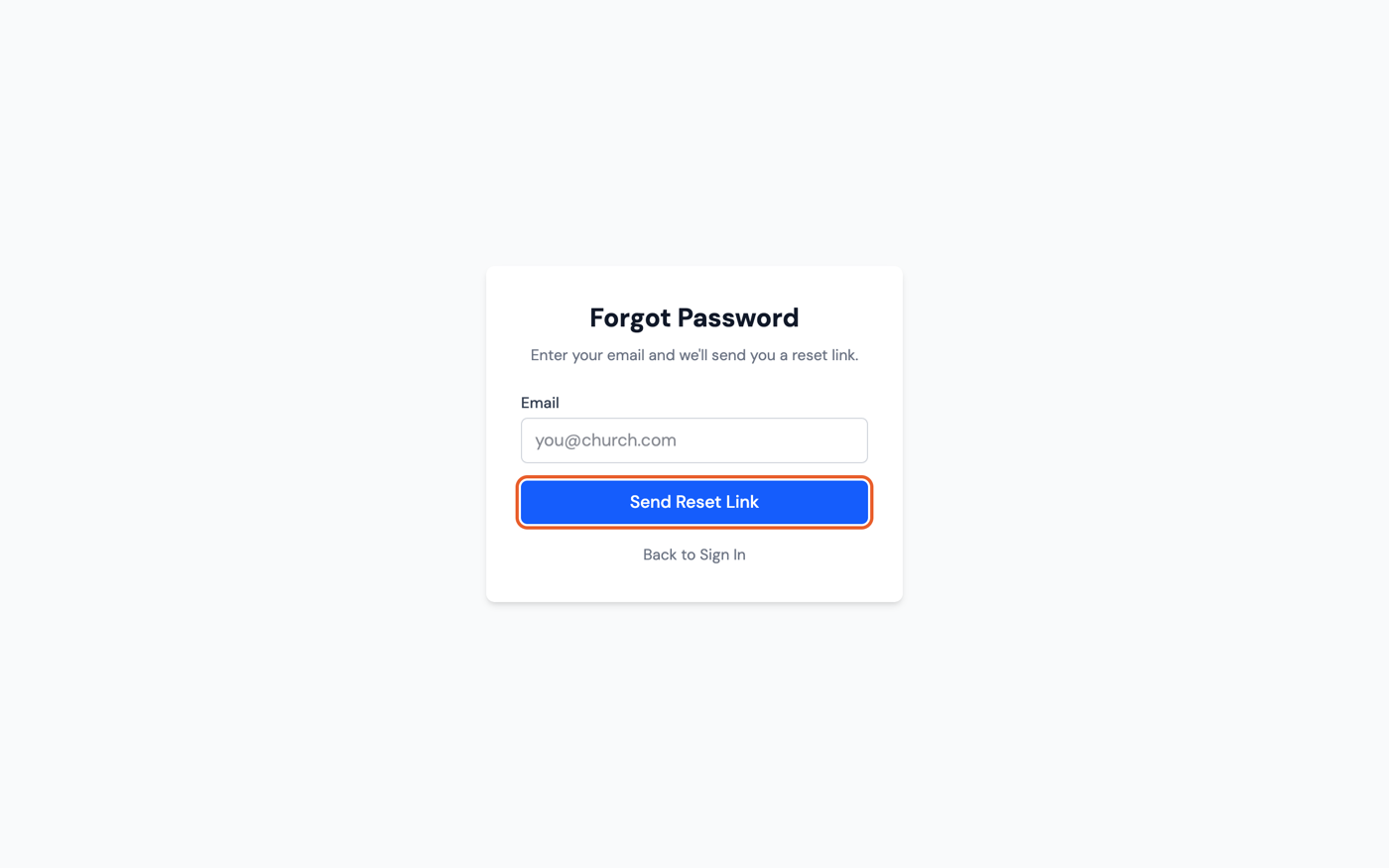
- You'll see a Check Your Email confirmation. If an account exists for that address, a reset link arrives within a few minutes and expires in 1 hour.
Set your new password
- Open the email and click the reset link — it takes you to the Set New Password page.
- Enter a New Password (at least 8 characters) and enter it again under Confirm Password.
- Click Update Password.
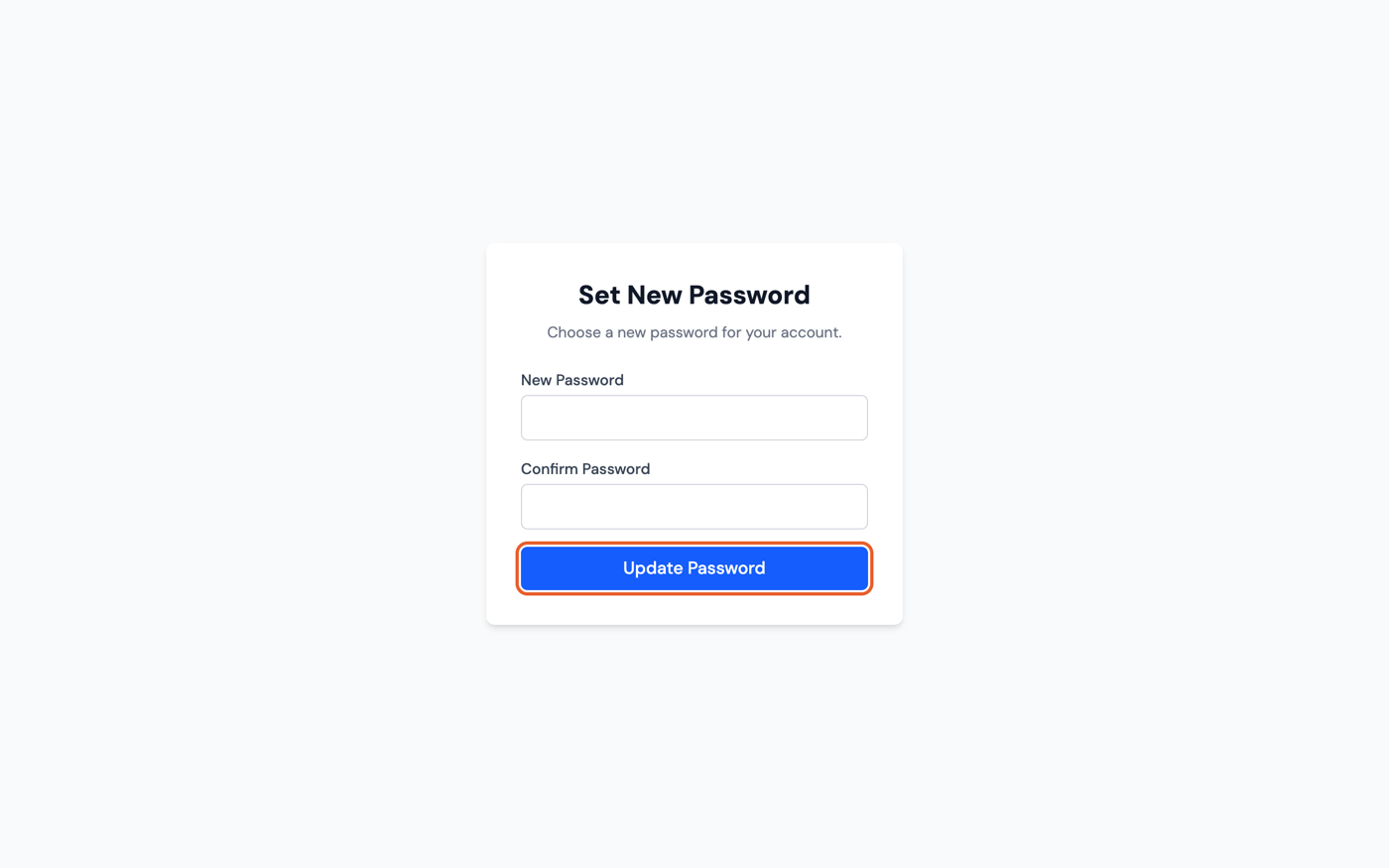
You'll land on a Password Updated confirmation — click Sign In to log in with your new password.