
Recurring events
Updated 2026-09-22
For events that happen on a schedule — a weekly Bible study, a monthly men's breakfast — the Repeats field lets visitors know without you re-entering the event each time.
Set how it repeats
- In the Add Event or Edit Event form, open the Repeats dropdown.
- Choose Daily, Weekly, or Monthly — or leave it on Does not repeat.
- Click Add Event or Save Changes.
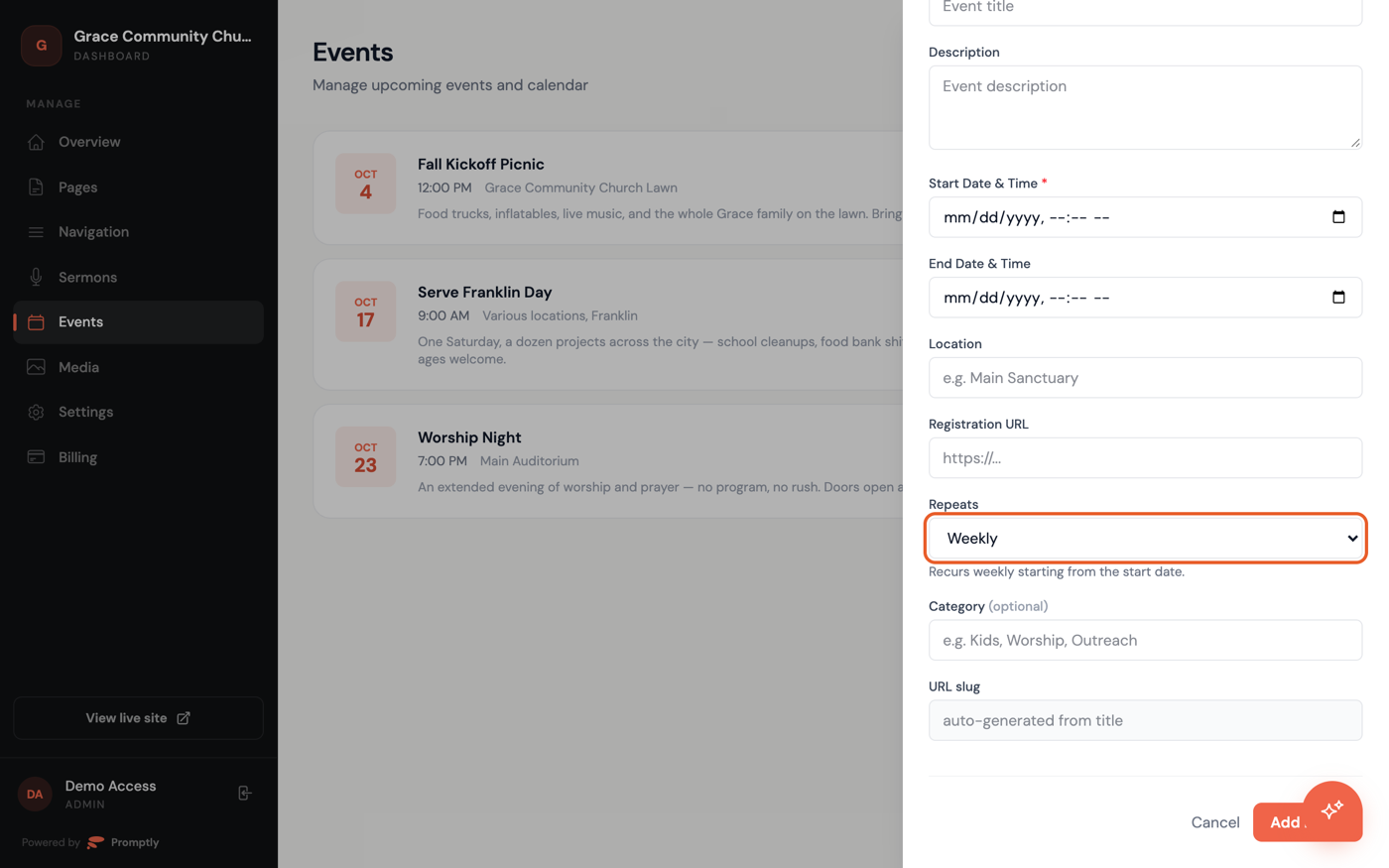
Worth knowing: this doesn't generate separate calendar entries for every future occurrence. It adds a note — "Recurs weekly," for example — to that one event's own page, so visitors who click into it know it's ongoing; the note doesn't show up on your events list itself, only on the event's detail page. You can change or turn off the setting any time by editing the event and picking a different option — it only changes that note, not the event's date or anything else about it. If you want each date to show up as its own listing in your events list, add each one separately; see Add an event.